

Gantry Studio:
start with a part.
Review work, files and requirements. Keep the conversation beside the change.
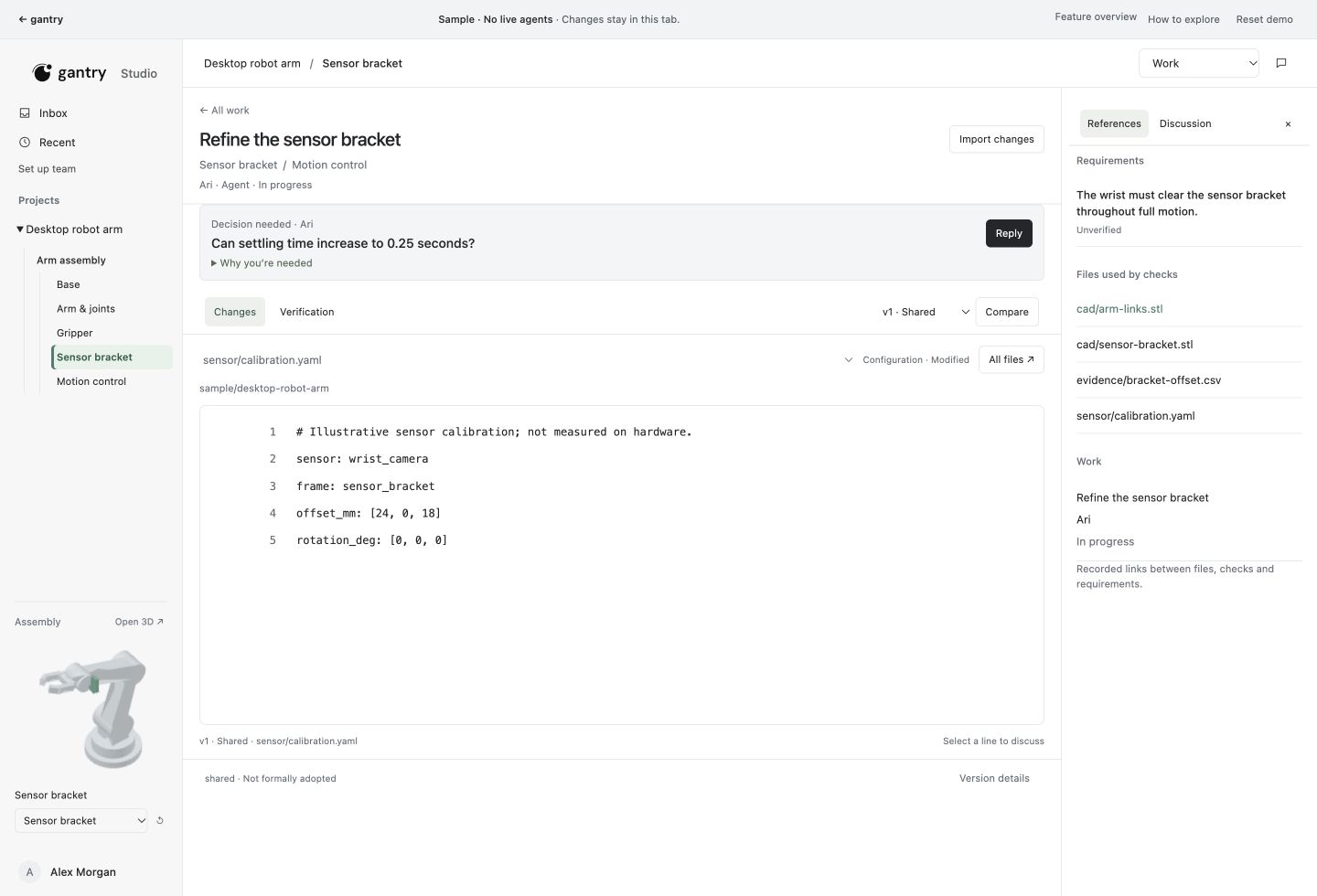
Start with the part you need.
Gantry Studio brings software and hardware work into one workspace. In the updated public demo, select a component to see its work, saved files and requirements, then open the conversation that belongs to it.
The sample is a desktop robot arm. Select Sensor bracket in the left tree: its work opens in the centre, and the part turns green in the Assembly preview below the tree. Use Open 3D for a closer look, then return to the same file. The tree stays in place as you move between parts.
When an agent needs your input, the question and Reply action come first. Open the reason when you need more context.
Follow the change to its evidence.
One menu switches between Work, Files and Requirements for the selected component. In Work, Changes shows the changed files; Verification shows the checks. Each file opens in the viewer suited to its format.
Choose All files to browse the saved state, including CAD, robot models, code, configuration and evidence. References beside a file connects it to requirements, check inputs and work. A selected CAD part appears within the full arm, so its place is clear.
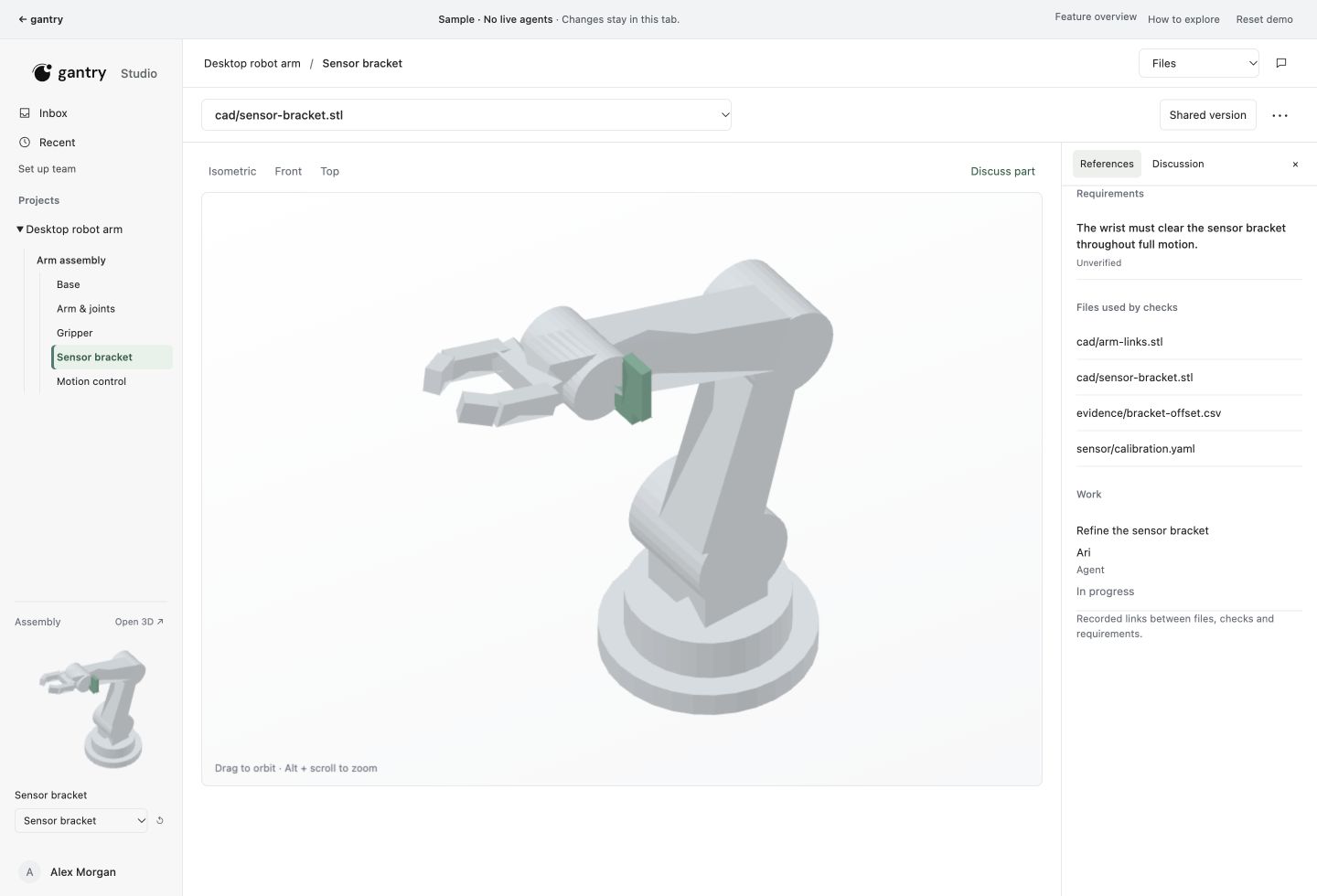
Discuss the exact thing you are looking at.
Open Discussion beside a file or requirement. The conversation keeps the saved version it refers to. An Inbox link takes you back to that context, even after newer work exists.
Here, the settling-time requirement and Kai’s request sit side by side. You can see the question and missing evidence before replying. On a phone, close the Discussion panel to return to the file or requirement.
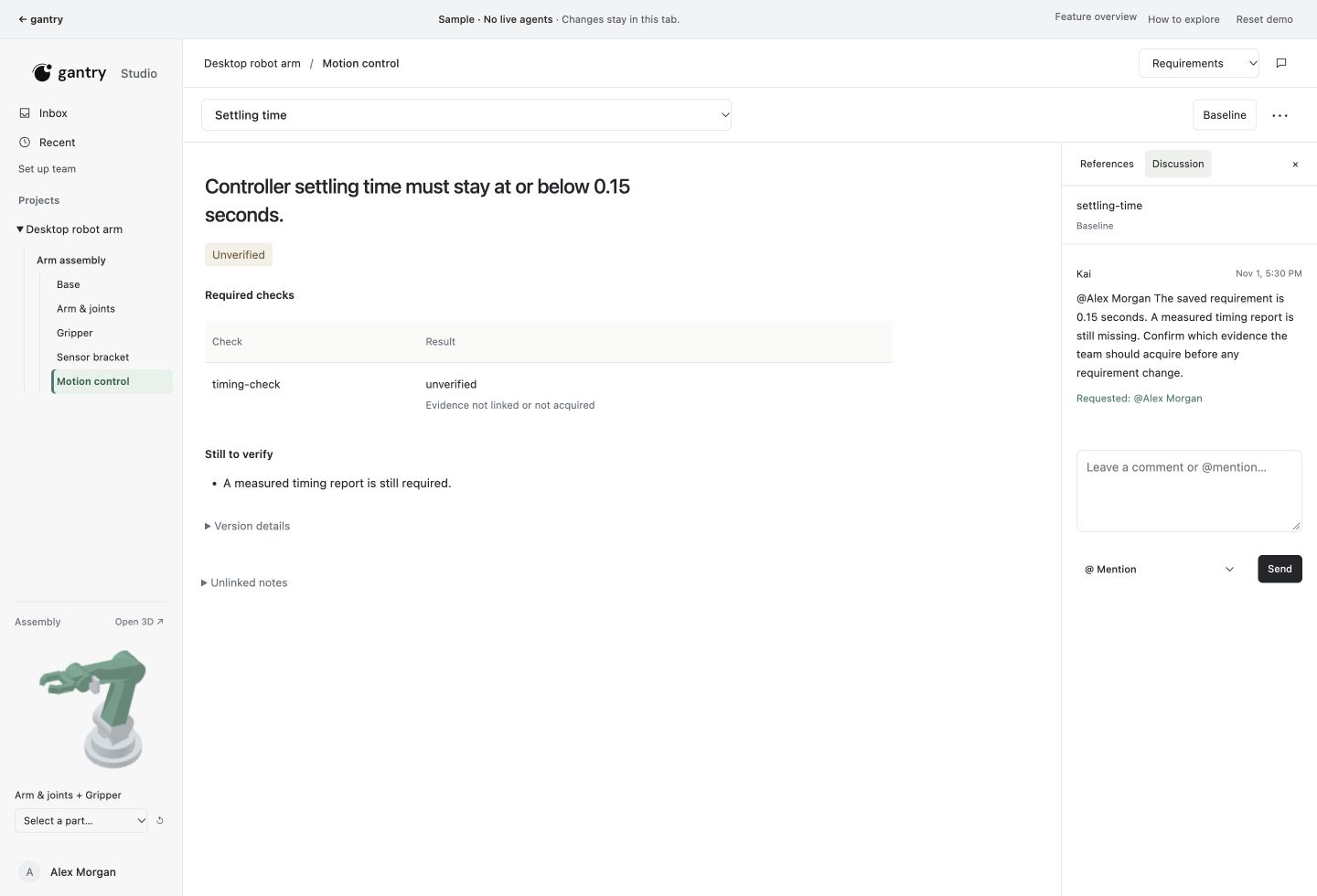
Less searching. More context.
Version history, comparison and detailed records are still there when you need them. Requirements keep their status and open checks in view. The starting point is simpler: choose a part and follow its work.
These screenshots show the public sample demo. No live agents or robot operations run in it. The GitHub issue records the UI/UX proposal and design discussion.